

By Dara Tan (27A01A)
I nearly screamed aloud on the first day of orientation, in the middle of the lecture hall, with all of the 300-odd new JC students there.
Why? The new school emails had just been passed out to all of us, and to my abject horror, we would be using Outlook. As a pure Google user, I was miserable. I would have to download all of the Microsoft apps (OneNote, Word, Excel etc.) and get used to an entirely new ecosystem.
But then I stopped panicking for a while, and thought, Maybe Microsoft is just a JC thing. Maybe it isn’t as bad as I thought it would be. Maybe I can like it. (Spoiler alert, the answer was a vehement no.)
RI is one of the few JCs, if not the only JC, that uses Microsoft emails for students. I’ve talked to plenty of other friends from other JCs, and they all use Gmail, like most people do. So why are we Rafflesians subjected to this horror of horrors?
I may sound like a bit of a drama queen, but here’s why I truly believe that sticking with Google should have been the right decision. And when you do read my argument, please do so with a healthy dose of empathy and sympathy for a Google user’s plight.
Why we use Microsoft
Before I begin listing all the reasons behind why Google is better, I would like to add a more balanced perspective. And thus, here are some reasons why we do use Microsoft:
1. Most workplaces use Microsoft
No matter our preference, it is an established fact that most workplaces use Microsoft for all of their documents and even communication. Getting used to it now would greatly help us in the future.
2. Personal preference
Saadhana Kalimuthu (27A01C) finds herself using Word more often. “I have been using it for a very long time, so it’s just more familiar,” she states. When pressed on what she likes about it, however, she could not give a concrete answer.
Familiarity breeds comfort. And some prefer Word for this very reason.
3. Experience
Samuel Kwong (27A01A) says that Microsoft provides a more curated experience. “While it cannot compare with Google on the collaboration front, it provides a more professional editing experience,” he explained.
But I still believe that Google has the better ecosystem.
Why we (should) use Google
1. All student.edu.sg emails from Secondary schools are Google accounts.
This shouldn’t surprise any recent JC or secondary student, but for those out of the loop, all secondary students under MOE receive a student email, (your_name)@students.edu.sg, which while technically could also be considered a Microsoft account, is mainly used for the Google ecosystem—Google Docs, Slides, Sheets and so forth. Most of the secondary school population are used to this, and are far more comfortable navigating Google Drive than OneDrive. Familiarity with software is definitely an important factor for most students, especially since we’ll be writing and using these softwares frequently. We need to know and be comfortable with all the functions, which takes time that we simply do not have (Y5 is stressful, no matter what anyone says).
2. Google Drive is better storage.
OneDrive isn’t bad, and is definitely usable, but I definitely prefer Google Drive. Perhaps it’s just my familiarity with the system and the interface, but it seems far more user friendly than OneDrive, and most do agree with that. Shared folders and documents are way easier to navigate with Google Drive (although some hard-core Microsoft users may disagree with me on that).
Hence, I offer the one objective fact that is impossible to dispute: Google Drive offers 10GB more than OneDrive for free. (GD: 15GB, OD: 5GB)
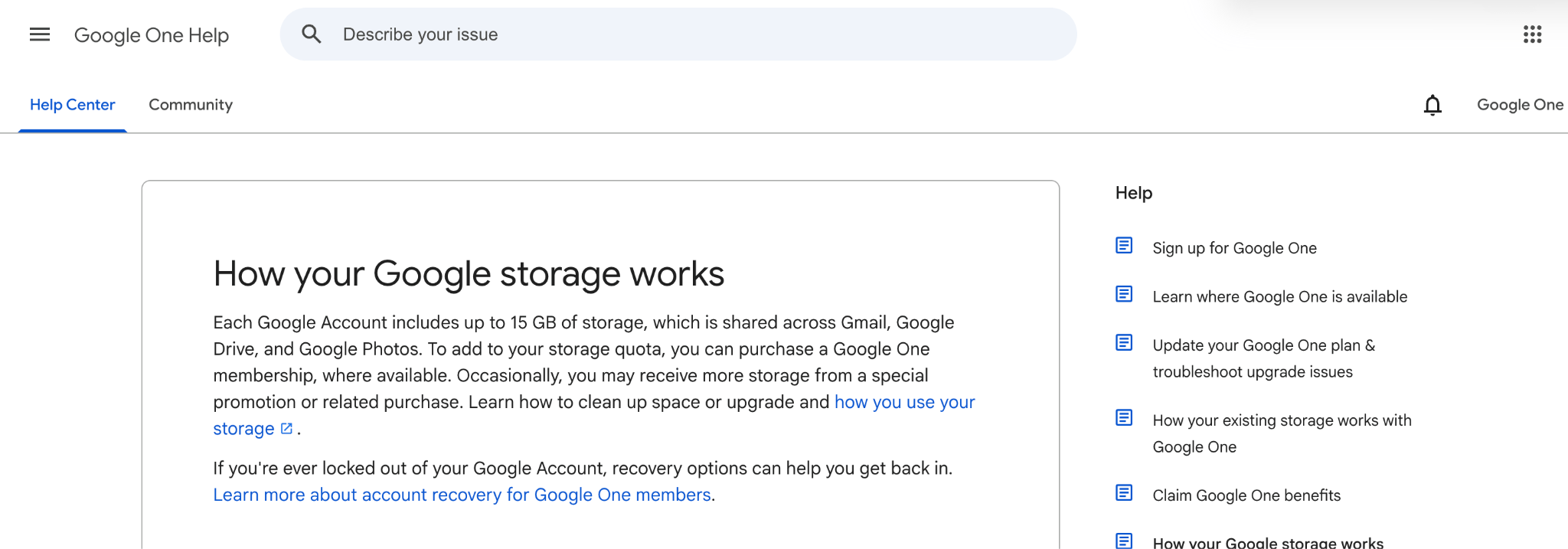
Google Drive as of 9/4/26

OneDrive (cloud storage) as of 9/4/26
Any secondary school student will tell you that 5GB is not enough, and certainly not sufficient for JC students. And with the 2024 Mobile Guardian scare still fresh in most of our minds (Batch ‘26 was in their O Level year), cloud storage is important and something most do prioritise.
And as students who have to beg our parents to buy most, if not all, of our purchases, we take free things very seriously.
“Okay, but the school account does offer a larger amount of storage,” you might answer.
But that will be gone with your email once you graduate. The 200GB will only be offered for the duration of your school years, and the stored files deleted once your email has been deleted. It is temporary.
Hence, I recommend most store anything with sentimental value in a personal account. I know, free storage is tempting and convenient, but rushing to transfer and store all of your precious notes and memories at 23:55 before they delete your email is not fun.
(And yes, keeping at least digital copies of notes can be important to pass down to your juniors or post on Holy Grail. Unless you want the satisfaction of deleting them all, I recommend using your personal account to store them too just in case.)
3. The interface
Google Docs just works. It is simple, minimalistic, and basic. This thus makes it far easier to use than Microsoft Word’s interface, which can be much less user-intuitive (there are classes on how to use Microsoft Word!). And many RI students agree.
“Word doesn’t work at all ” Nithilan Balachander of 26A01C ranted. “Word is disgusting, and I’ve suffered through four years of OneNote. It’s actually hell”. When pushed for further elaboration, he added, “It messes up in so many ways. It keeps reloading when I move to another tab, and its functionality is frankly horrible.”
OneNote is a rather interesting app within the Microsoft ecosystem. While I find it useful in lessons and use it for Economics and Math alike, I would never use it for notetaking on my iPad or use it out of my free will. There are other better notetaking apps there, but I will concede that One Note is free and usable (as long as you have a Microsoft account).
Some have also pointed out that Microsoft’s interface is outdated. Microsoft’s software doesn’t work as well compared to Google Docs, because Google Docs’s ecosystem is much more integrated and interactive.
Denize Huang Fernandez (27S03A) adds that Google Docs is much easier to use. “The interface is less intimidating, I feel. It’s also a lot more intuitive in its function. Microsoft is also harder to navigate.”
4. Collaboration
This criteria will be evaluated based on the following: how easy is it to collaborate with others on this platform? How easy is it to share and edit on the same document simultaneously with someone else?
The clear winner for this is Google’s apps, hands down. I can still remember a time where collaboration on Word documents weren’t allowed, and we had to tediously email edited versions back and forth. Not fun. Word’s collaborations are still fairly buggy in my experience, with not all of the edits loading and affecting our work. Google Docs has the better collaborative features, and it is far more trustworthy in this aspect compared to Microsoft. For example, when writing in the same document, Google Docs updates the changes a lot faster than Word does.
Even though Word’s collaboration function still works, it is not as real-time and integrated as Google Docs. The most intuitive way for sharing Word documents is still downloading the document and sending it back and forth.
Additionally, you still need a subscription to Microsoft Office to use Word, and the real time features with cloud, whereas Google doesn’t require any subscription at all (being completely free). Thus, using Word requires a longer conversation about if someone has an office subscription, setting it up and then sharing it very clumsily. Google Docs comes with any Google account, which, let’s be honest, practically everyone has. Everyone I know (and then some) uses Google Docs and the Google ecosystem.
5. The signing out
Outlook and Microsoft apps in general keep signing me out. Which is really weird, considering that there seems to be absolutely no reason to do so. Every day or so, they will log me out, and I have to sign in over and over again.
Google doesn’t have this particular issue, thankfully, but this constant signing out is in large part why many dislike (read: hate) Microsoft apps.

Outlook after signing my account out.
6. Other preferences and pet peeves
Joshua Gerrard Tan (27A01A) has a vehement hatred for Teams. “It’s one of the most confusing apps I’ve used,” he exclaims in frustration. “There’s a chat, a channel and a team and navigating them is super confusing,” he continues, despair in his tone. “How am I supposed to know which one to use?” Not everyone may share the same sentiment as Joshua, but I can relate to his words. Teams is a fairly polarising app—while some people love it for work, others despise it with every fiber of their being.
Most of the students I’ve spoken to seem to fall into the second category.
Teams is also super glitchy on the laptop and on the phone, and somehow doesn’t sync on the laptop properly (though this might be an individual issue, other friends and classmates face similar problems).
While Teams may be convenient for contacting teachers without using their phone numbers, I would like to point out that emailing them, as I did in secondary school, worked just fine.
Another interesting fact I would like to note is that most of Raffles Press prefer Google Docs over Microsoft, our editors included. All of our article submissions and writing happens on Google Docs, and as writers, this may be an extra point in Google’s favour.
All in all, while I do concede that Microsoft has its own share of strengths, I cannot bring myself to commit to its ecosystem wholeheartedly. It’s impossible and likely not feasible for the school to switch out using Microsoft in favour of Google, but I will continue to use Google for the rest of my schooling and beyond.
And perhaps you, too, might join me in my silent protest.


